/ All five. One place.

Every tool your daily workflow needs

Image generation, background removal, captions, PDF editing, and WhatsApp automation — each purpose-built, all on one dashboard.
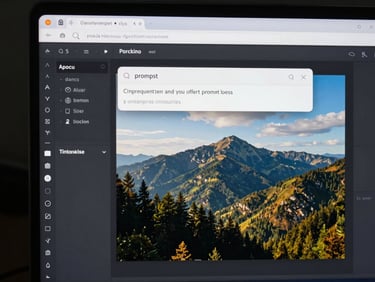
Close-up of a desktop browser window showing an AI image generation interface, a prompt input field with a generated photorealistic landscape visible on screen, high-contrast studio lighting, tight UI crop
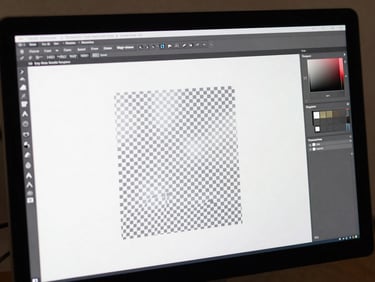
Tight crop of a monitor screen showing a background removal tool interface, a product photo with its white background cleanly stripped away revealing a transparent checkerboard, crisp daylight on screen, high-contrast
Close-up of a mobile screen showing an AI caption generator interface with a social media post and three caption variants listed below the image, hands holding the phone, high-contrast studio lighting
Full-width desktop browser showing a PDF tools dashboard with a document open, merge and compress controls visible in a dark sidebar, high-contrast monitor under directional studio lighting, tight UI crop
Close-up of a laptop trackpad and keyboard with a WhatsApp automation dashboard visible on screen, message scheduling interface open, crisp overhead daylight, tight crop on the screen and hands
— The full toolkit

No buried settings. No learning curve.

AI Image Generator

Background Remover

AI Caption Generator

Type a prompt, get a production-ready image. No presets to configure, no style menus to navigate — just input and output.

Upload an image, get a clean cutout in seconds. Works on products, portraits, and complex edges without manual masking.

Paste an image or a brief, get multiple caption options tuned to tone. Batch 50 posts as fast as one.

PDF Tools

WhatsApp Tools

Schedule messages, automate replies, and manage bulk sends from one screen. No third-party integrations to configure.

Merge, compress, split, and convert PDFs directly in the dashboard. No installs, no file size anxiety.
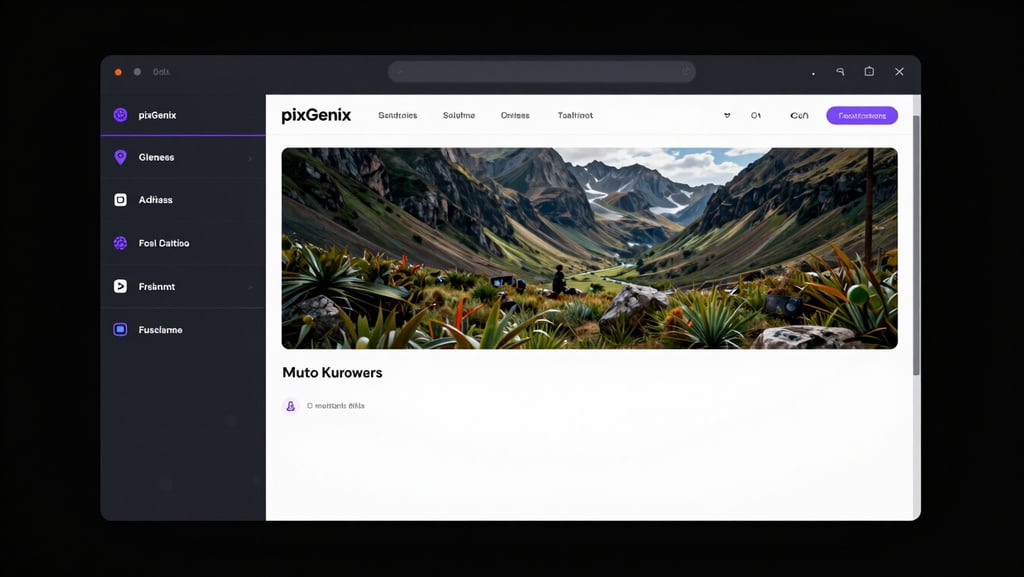
Wide panoramic view of a full desktop browser window showing the PixGenix AI dashboard, all five tool tabs visible in a dark sidebar, a generated image output displayed in the main panel, high-contrast dark UI with electric purple and cyan accent lines, tight crop to the screen edge, no bezel
▸ Real outputs

The tools show their own value

Every tool in PixGenix renders its output immediately — no export step, no waiting screen. What you see is what you ship.

Stop switching tabs. Start shipping.

Your five daily tools are already here. Pick a plan and cut the context-switching from your workflow today.